Schedule Creation for the Staff
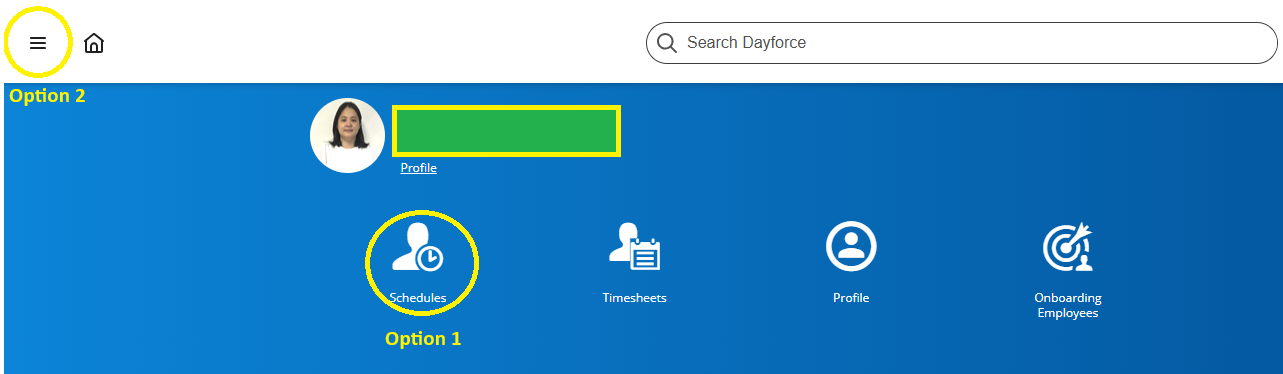
- Option 1: Click the icon "schedule."
- Option 2: Click the navigation or list icon.
-
-
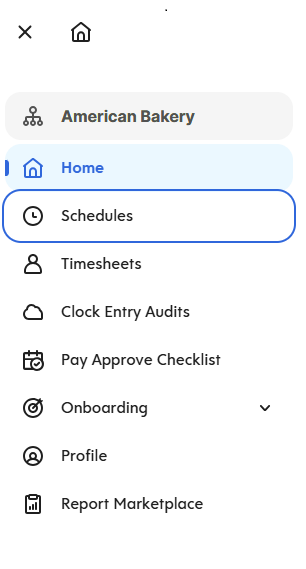
- For Option 2: after clicking the navigation icon, click "Schedules."
-
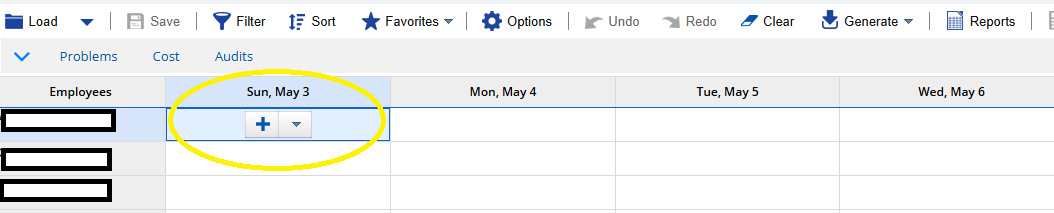
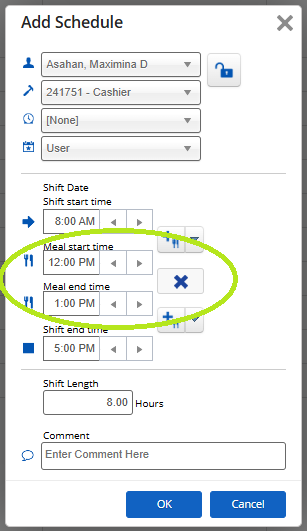
4. Employee Name, position, employee number will automatically appear.
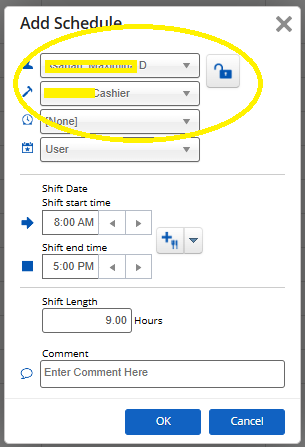
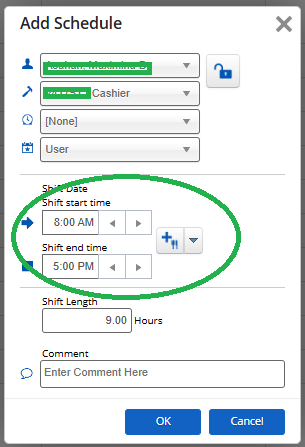
5. Input shift start time and end time
6. Click the fork and knife icon to add break time
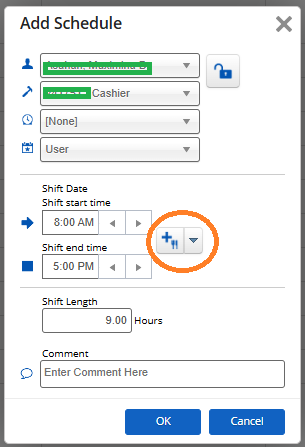
7. Input meal start time and meal end time and then click "ok."