
Keycloak Guide
To access your Keycloak account, the link is: https://keycloak.goodwindcorp.com/realms/Goodwind/account
What is Keycloak?
Keycloak is an SSO (Single Sign-on) application allowing you to use your PC login to access rocket.Chat, and our ticketing system. Additionally, if you are locked out of your PC, forgot your password, or need to reset your password, you can use Keycloak to change your password.
How to log into rocket.Chat with Keycloak
PC
- Press the blue "Login with Keycloak" button
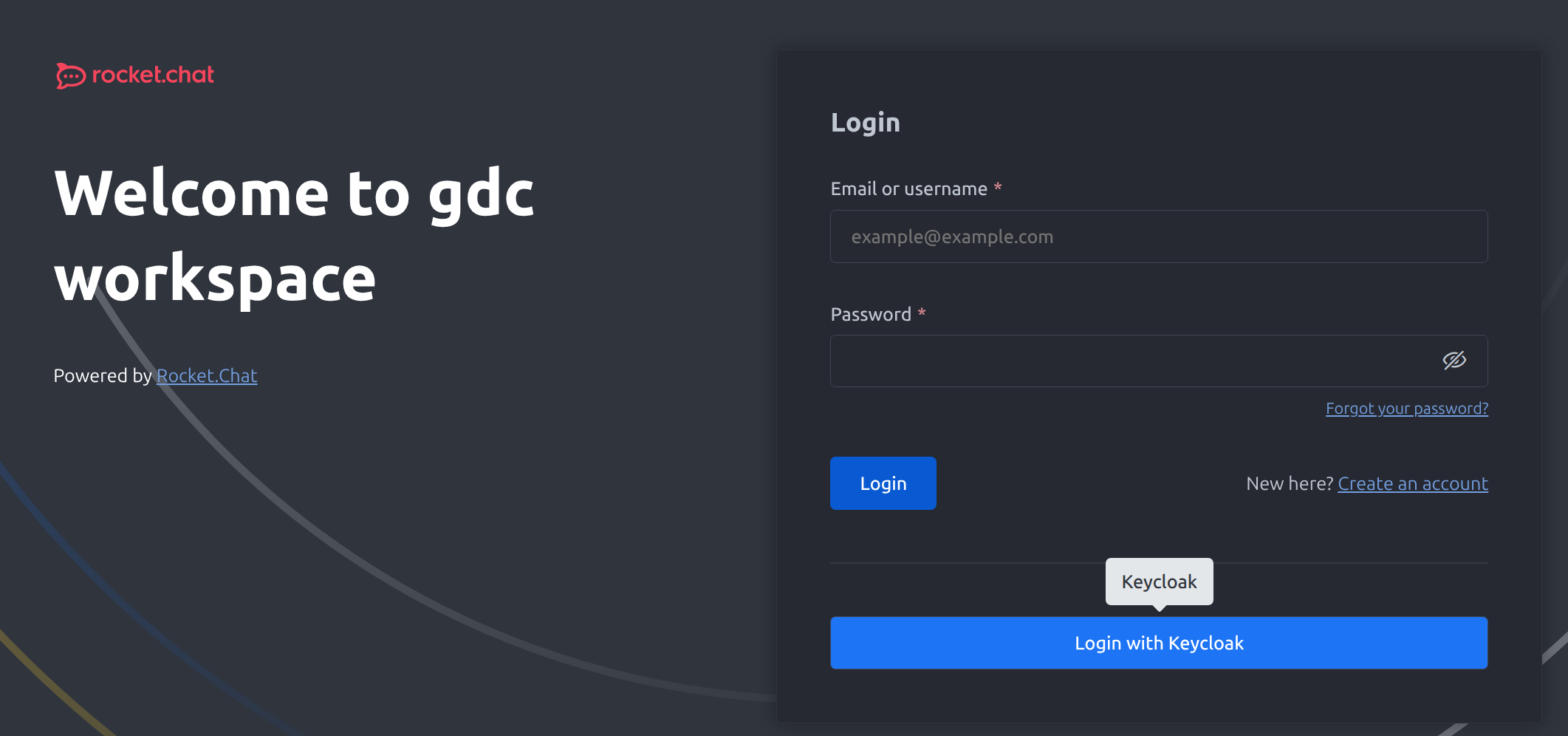
- A popup will open. This is the Keycloak log in page. Simply enter your PC Username (first.last), and your password. (Note: You can also use your work email if the first.last does not work)
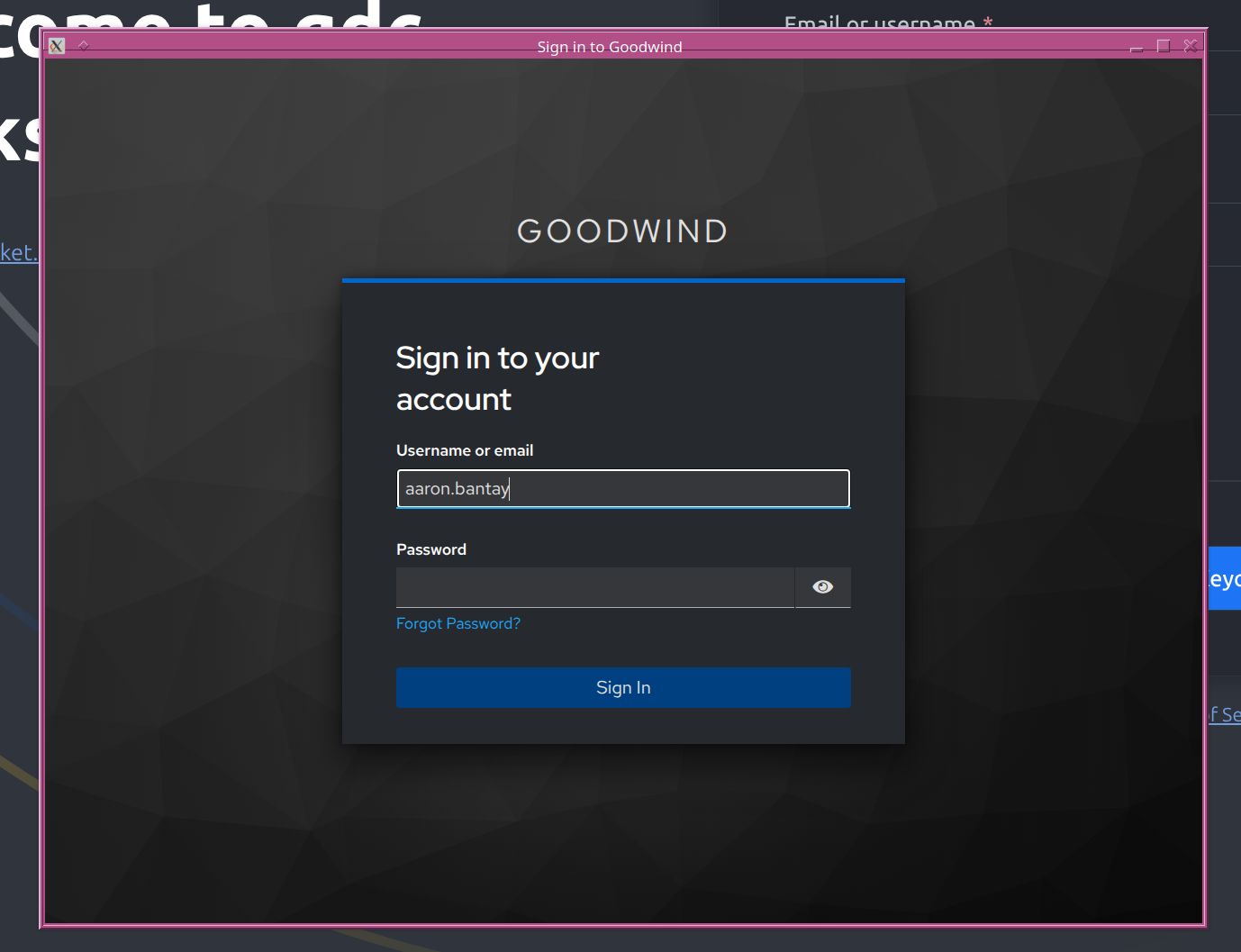
- After signing in, you should be logged in and able to access your rocket.Chat account.
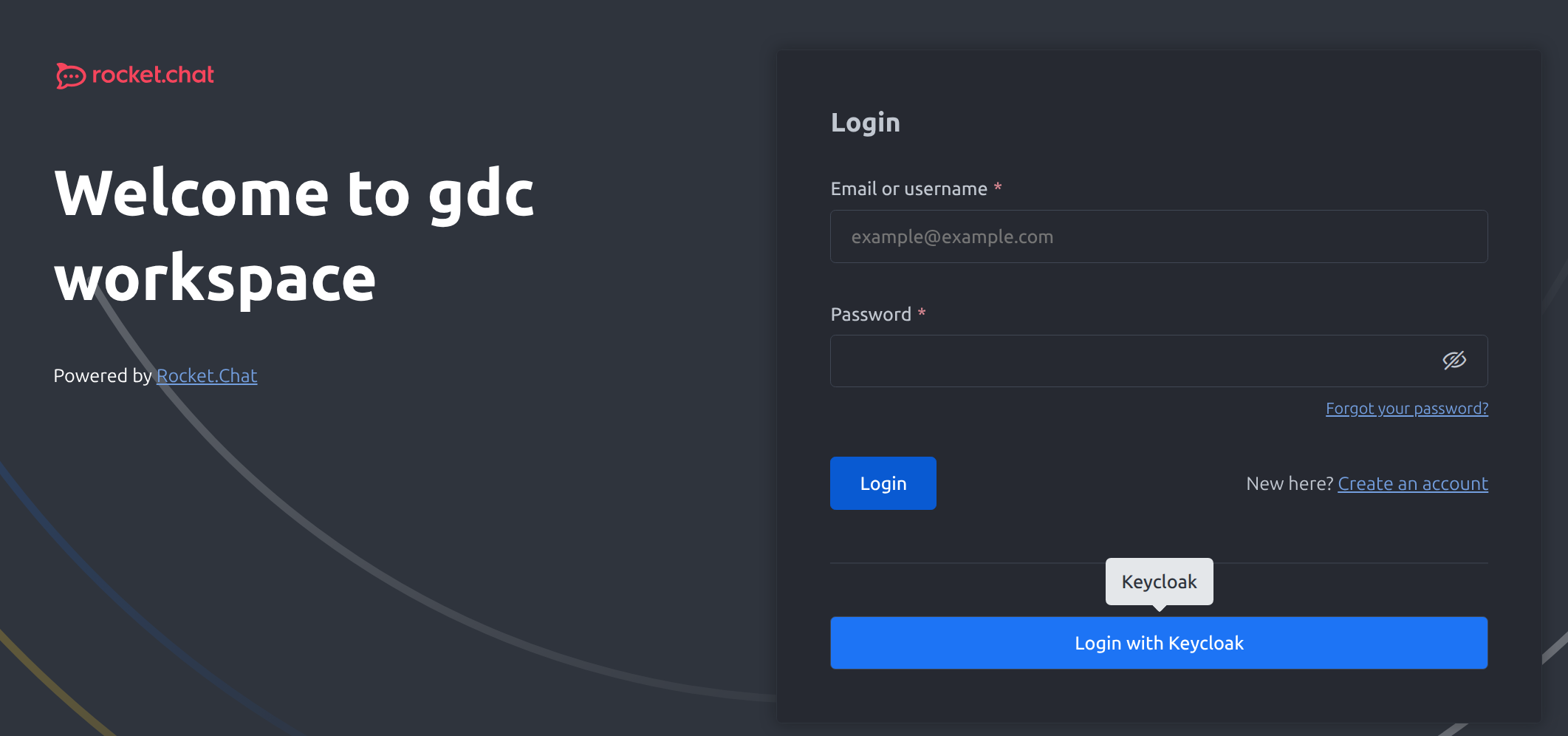
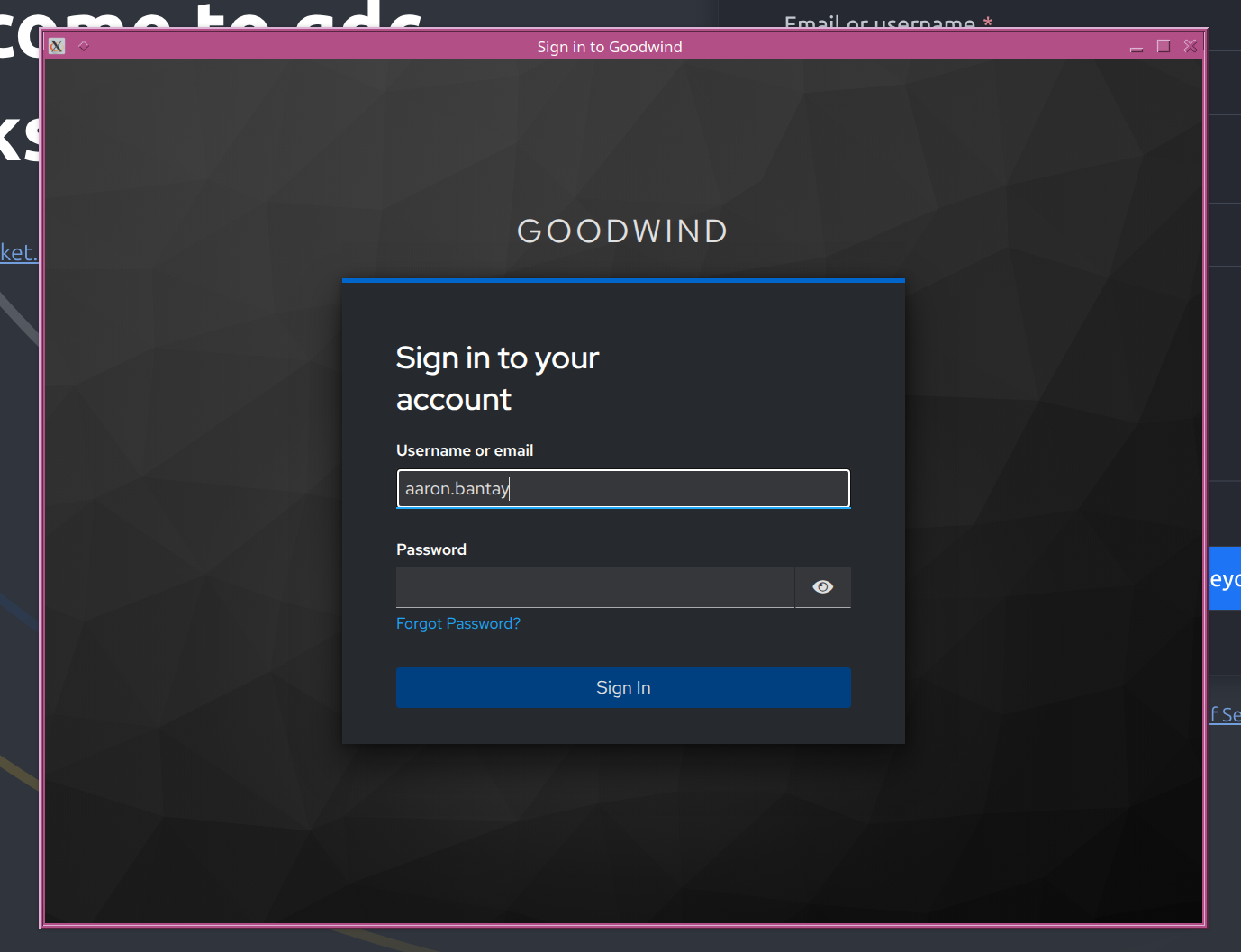
Mobile
How to log into osticket with Keycloak
How to change your PC/AD password with Keycloak
There are two ways to change your PC/AD password with Keycloak. If you know your current password and simply want to change it, or if you are locked out/forgot your password.
If you know your password
If you are locked out or forgot your password