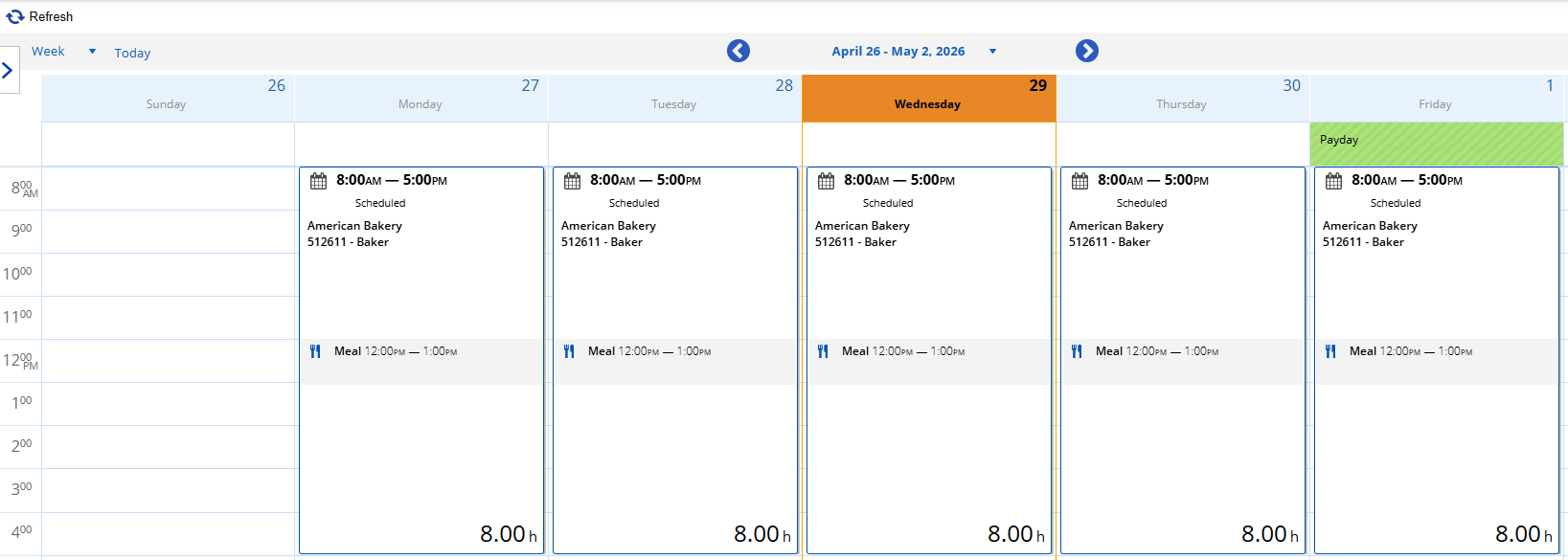
View Shifts / Schedule
Option 1: Using Laptop / Desktop
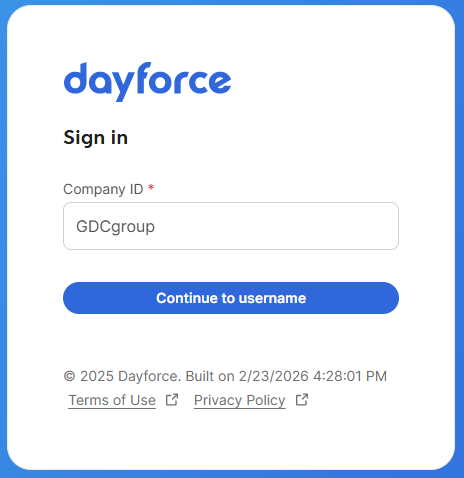
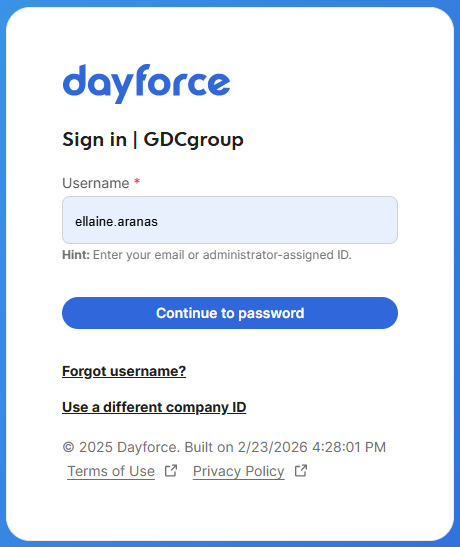
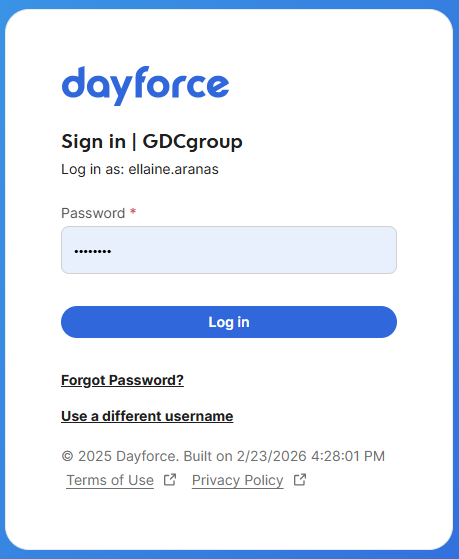
1. Log in to Dayforce at MyDayForce Login
|
Company ID: GDCgroup
|
Username: Firstname.Lastname
|
Password:
|
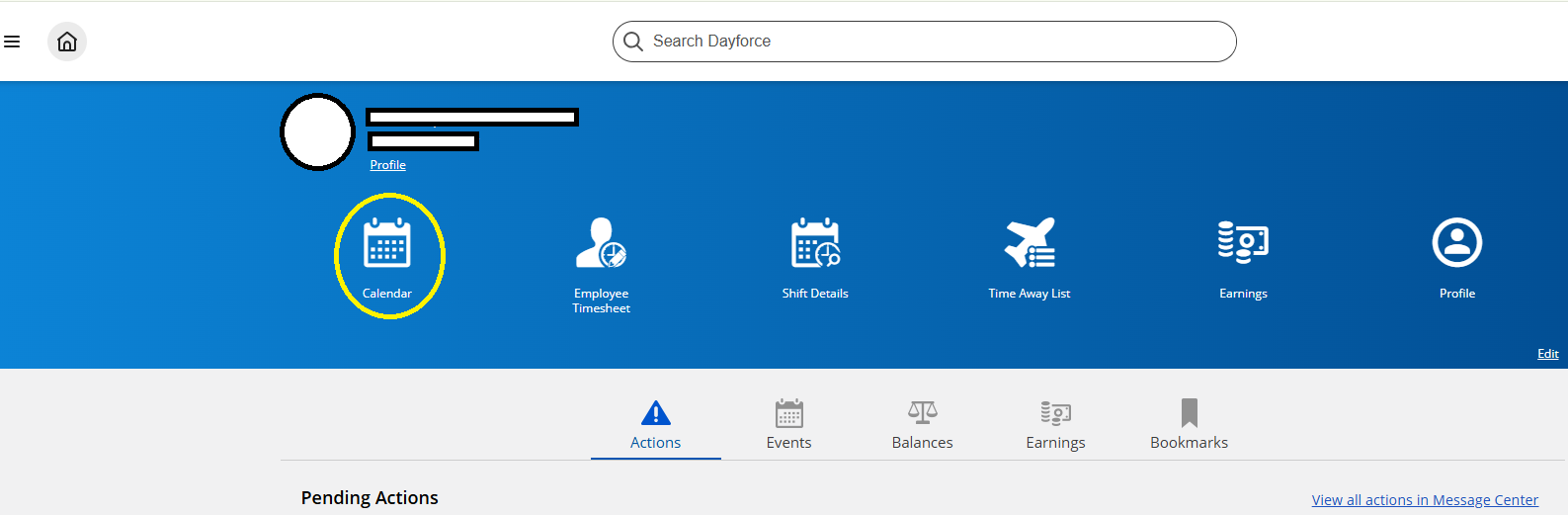
2. Click the "calendar" icon.
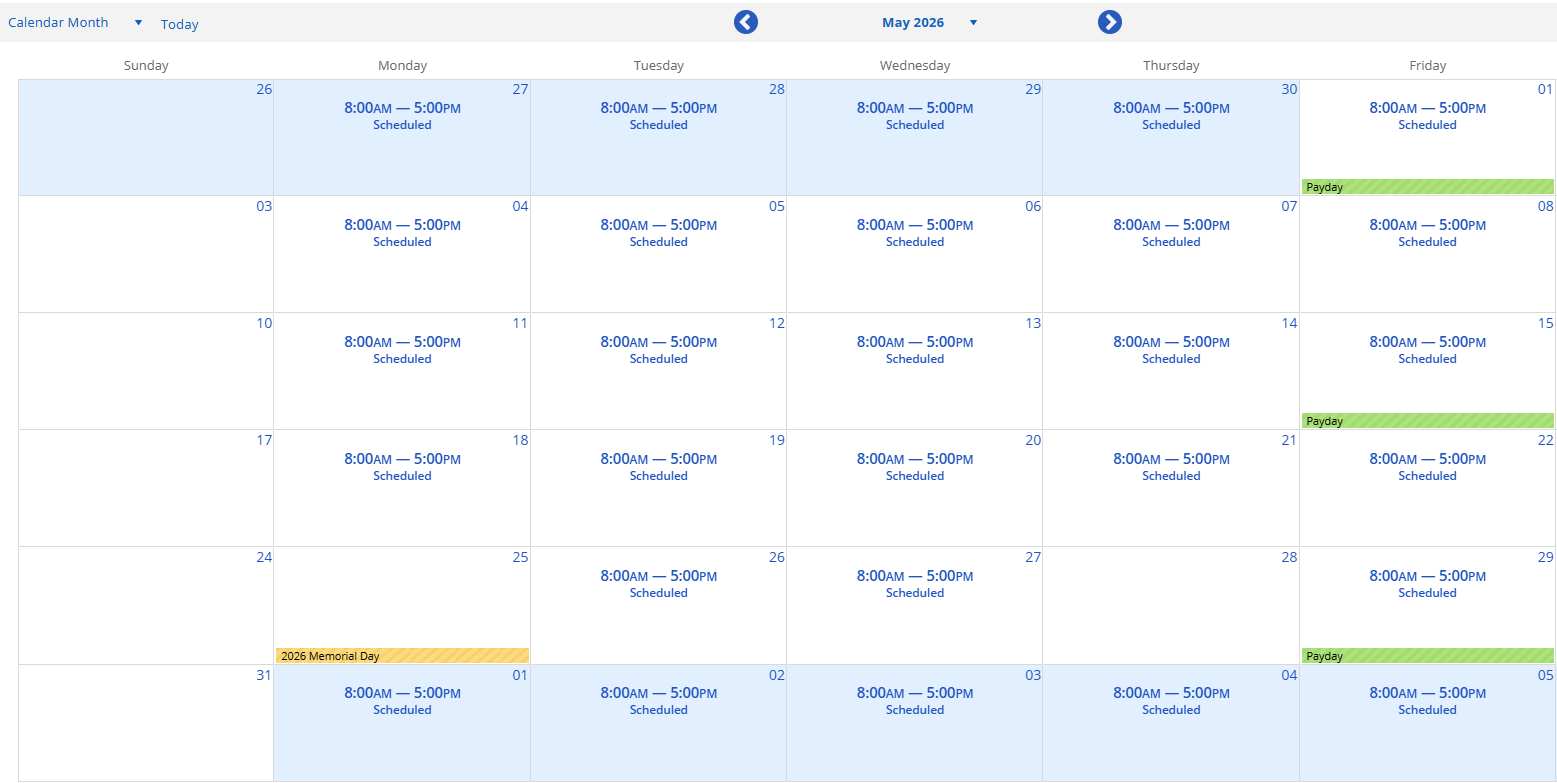
3. Calendar with the schedule will appear on the screen for the chosen month.
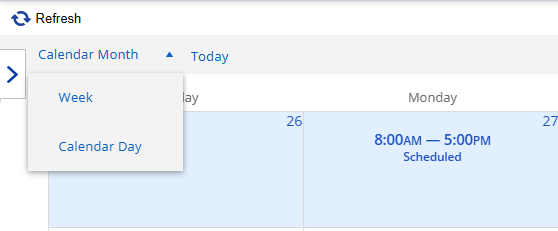
a. To view by week, Click the Calendar dropdown list and choose "week."
b. Schedule for the specified week will appear on the screen.