
View / Print Check Stubs
Option 1: Using Laptop / Desktop
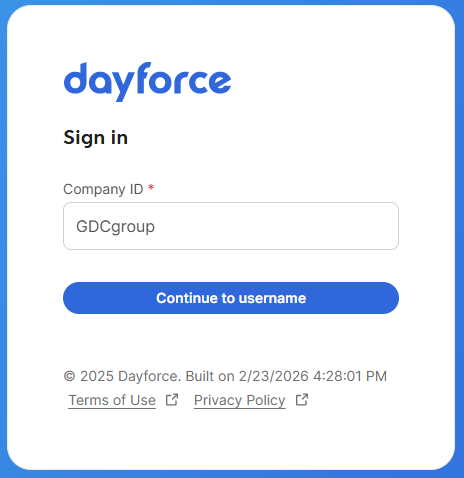
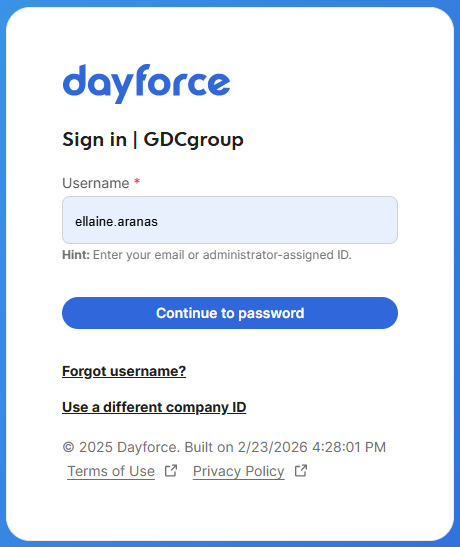
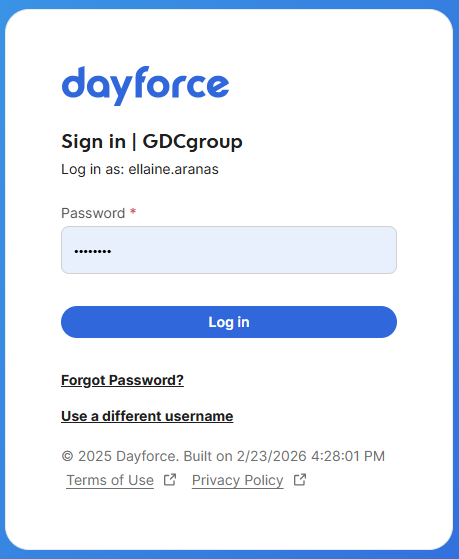
1. Log in to Dayforce at MyDayForce Login
|
Company ID: GDCgroup
|
Username: Firstname.Lastname
|
Password:
|
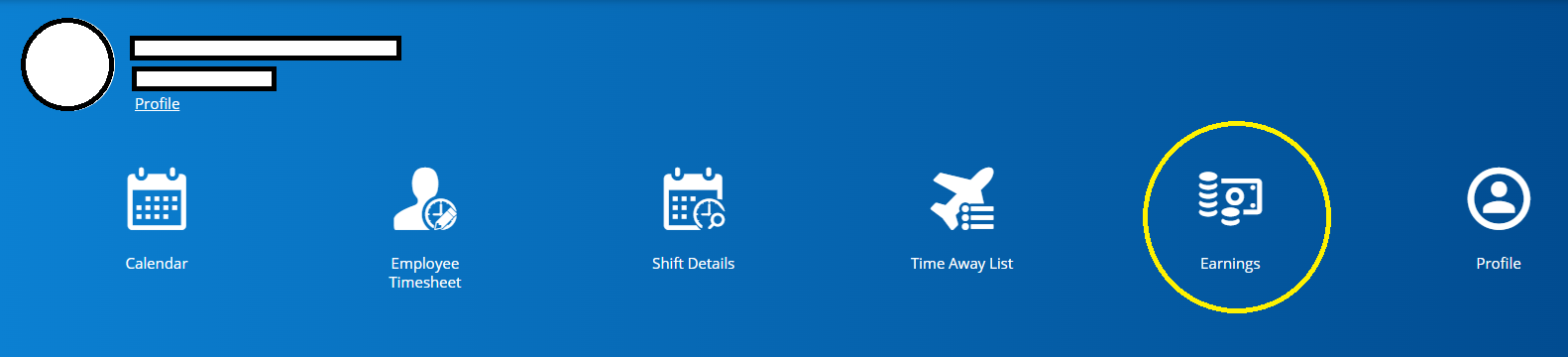
2. Click the "Earnings" icon in the home screen.
3. Click the specific month and choose the specific check stub.
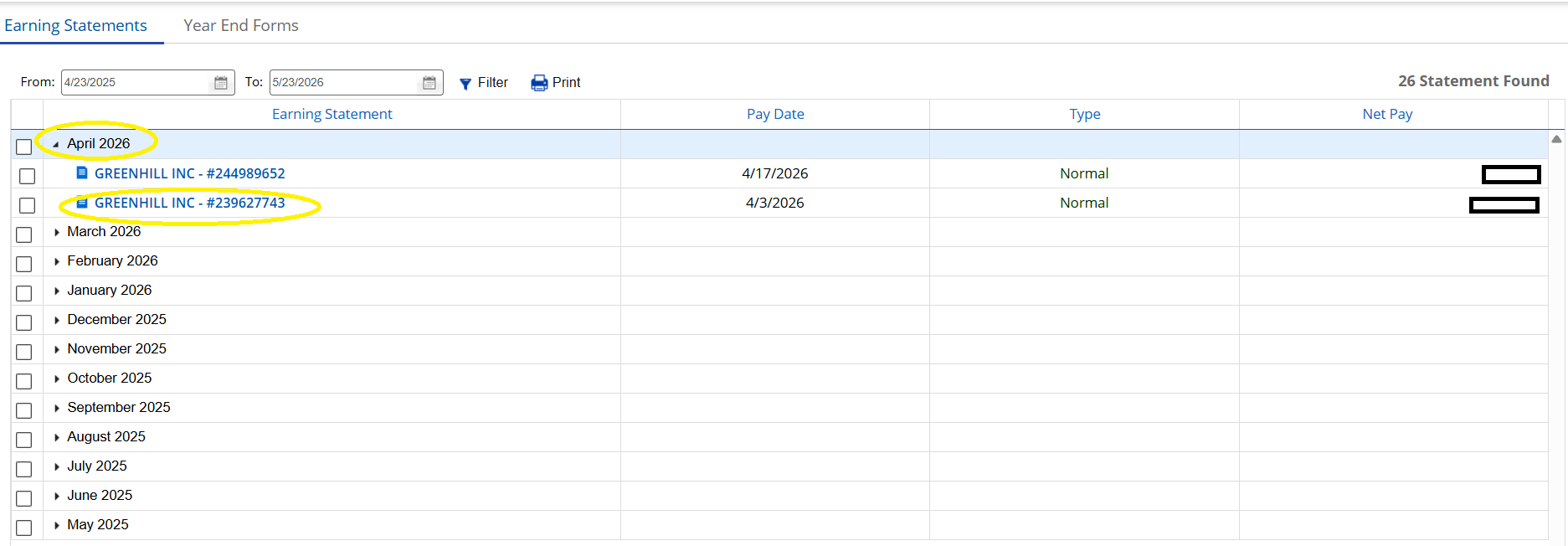
4. Check stub will show in the screen.
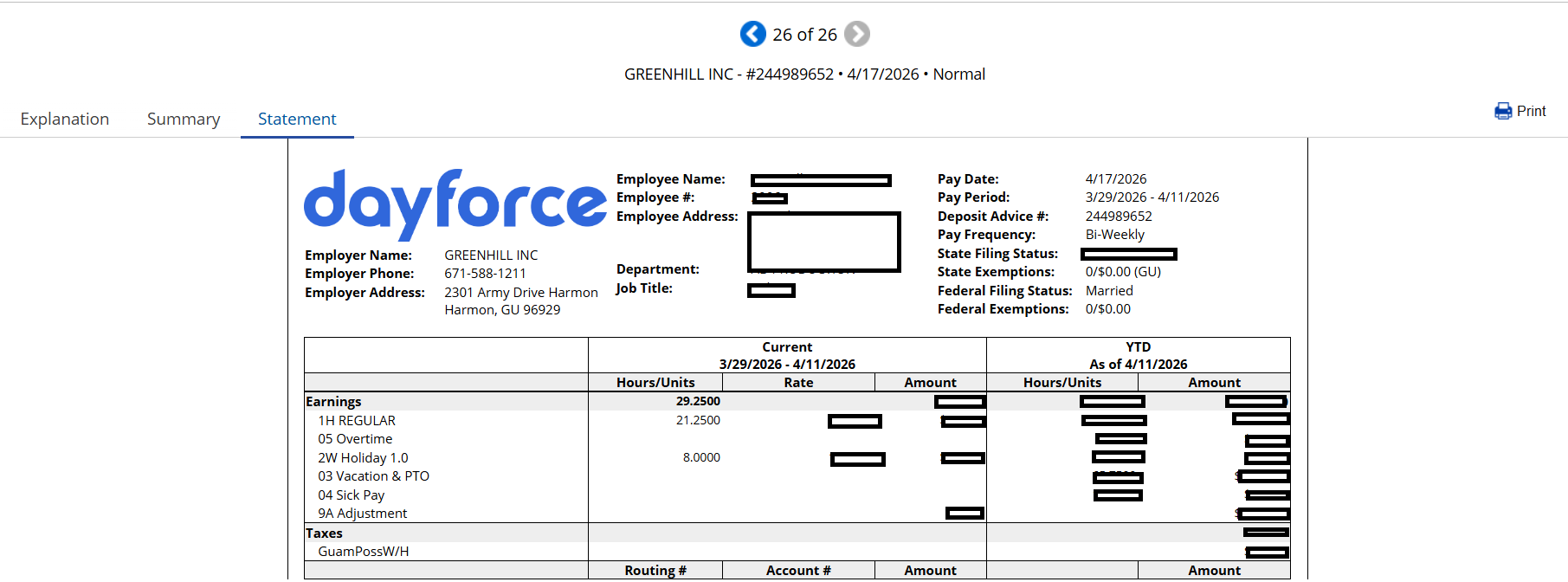
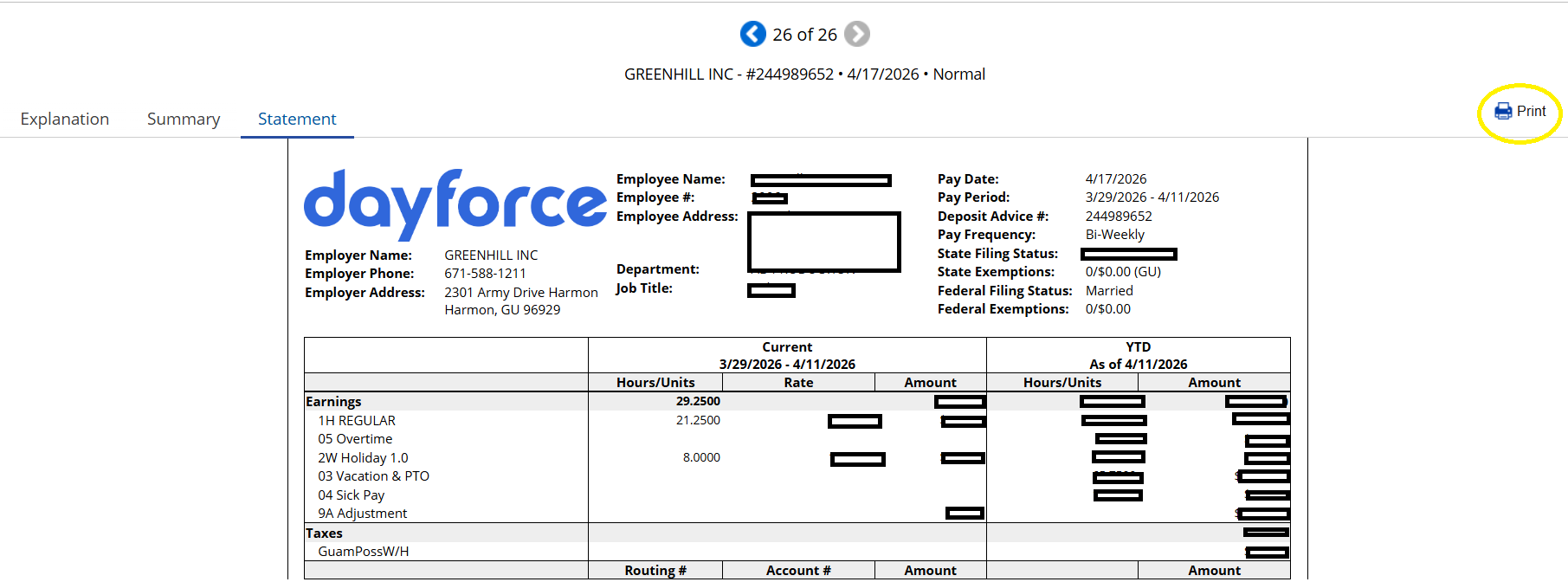
5. To print, click the "Print" icon.
6. Click the "Print" button.
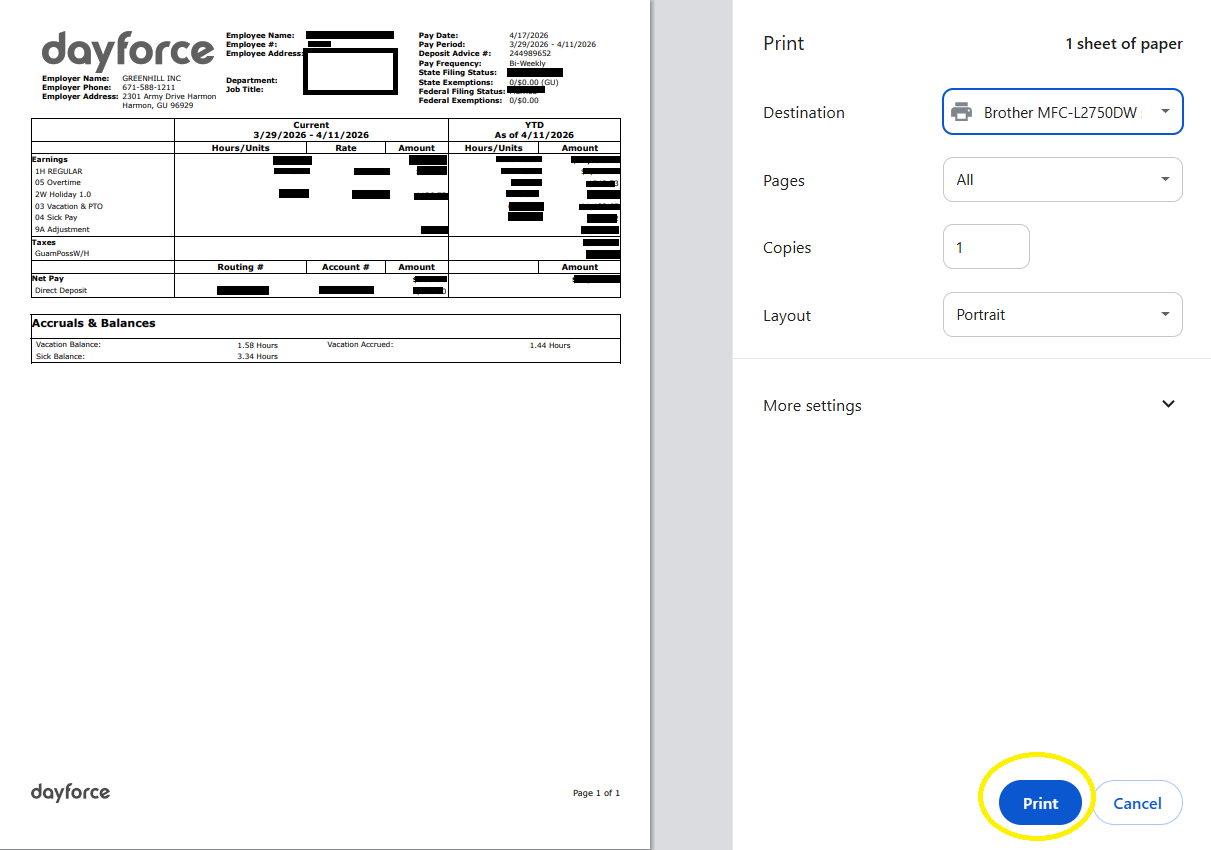
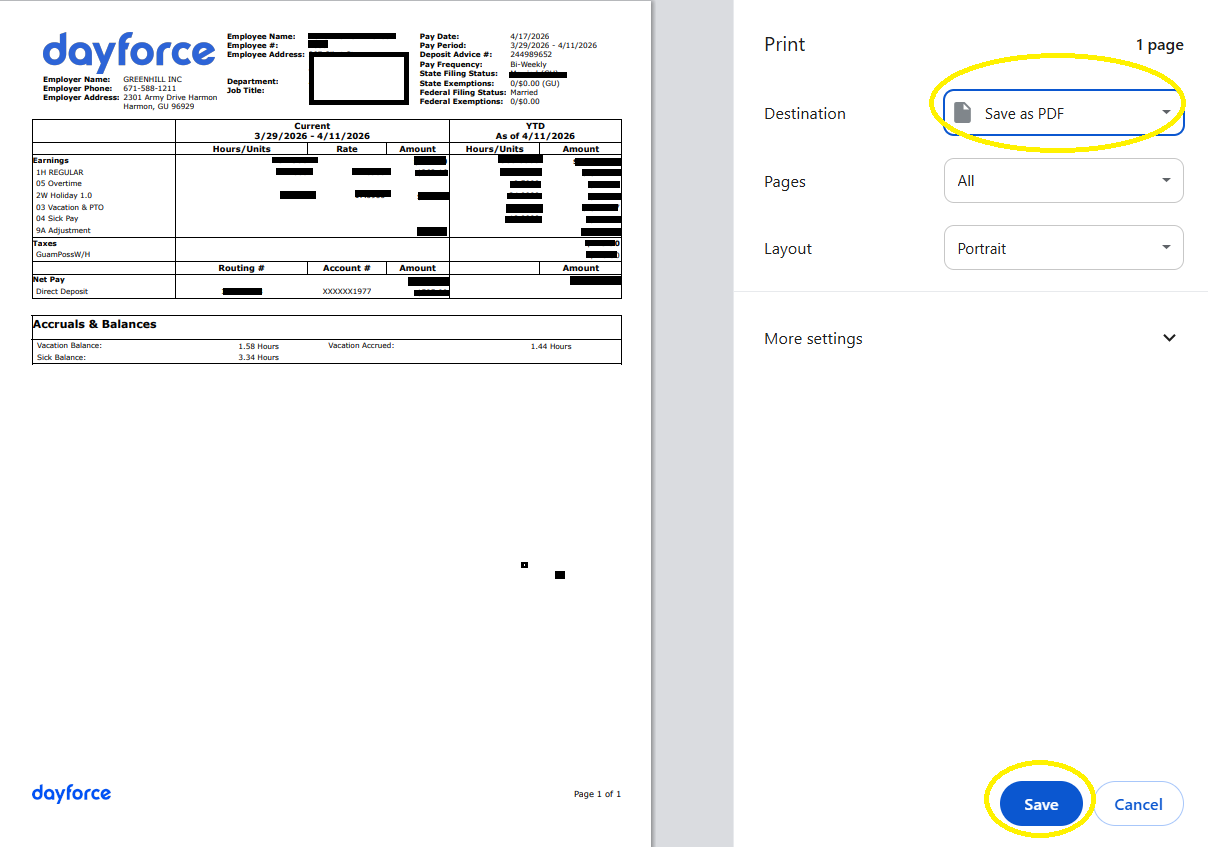
7. To save in PDF, Click the "Print" icon, change destination to "Save to PDF" and then click "Save."
Note. Printing of check stubs can only be done using laptop/desktop.
Option 2: Using Iphone Device
1.