Logging In as Manager
- How to Access Dayforce on the Laptop / Desktop
- Go to the Dayforce Website at MyDayForce Login
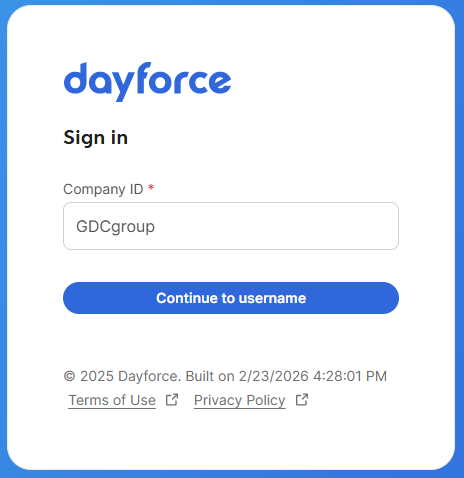
- Sign in by putting the Company ID: GDCGroup and then click "continue to username."
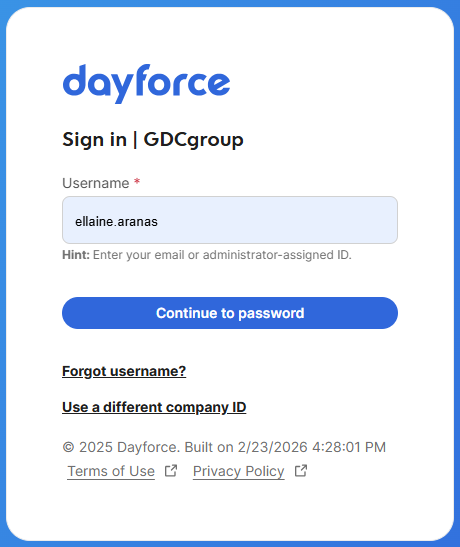
3. Type the username: username Format: firstname.lastname and then click "continue to password."
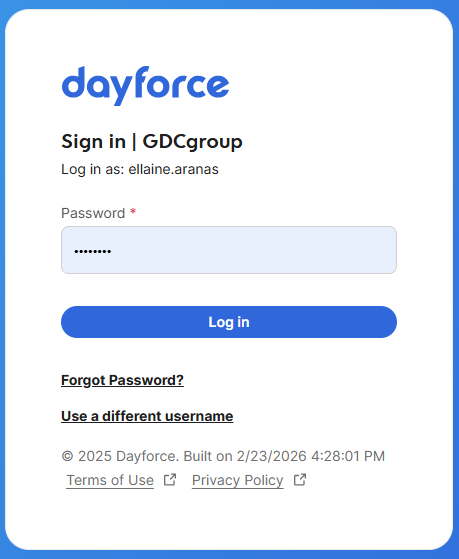
4. Type the password set to the account and then click "Log in."
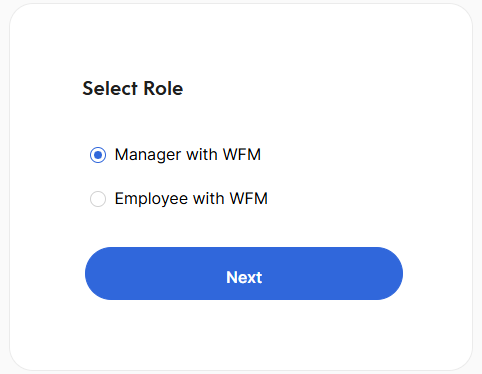
5. Select the Role " Manager with WFM" and then click "Next."
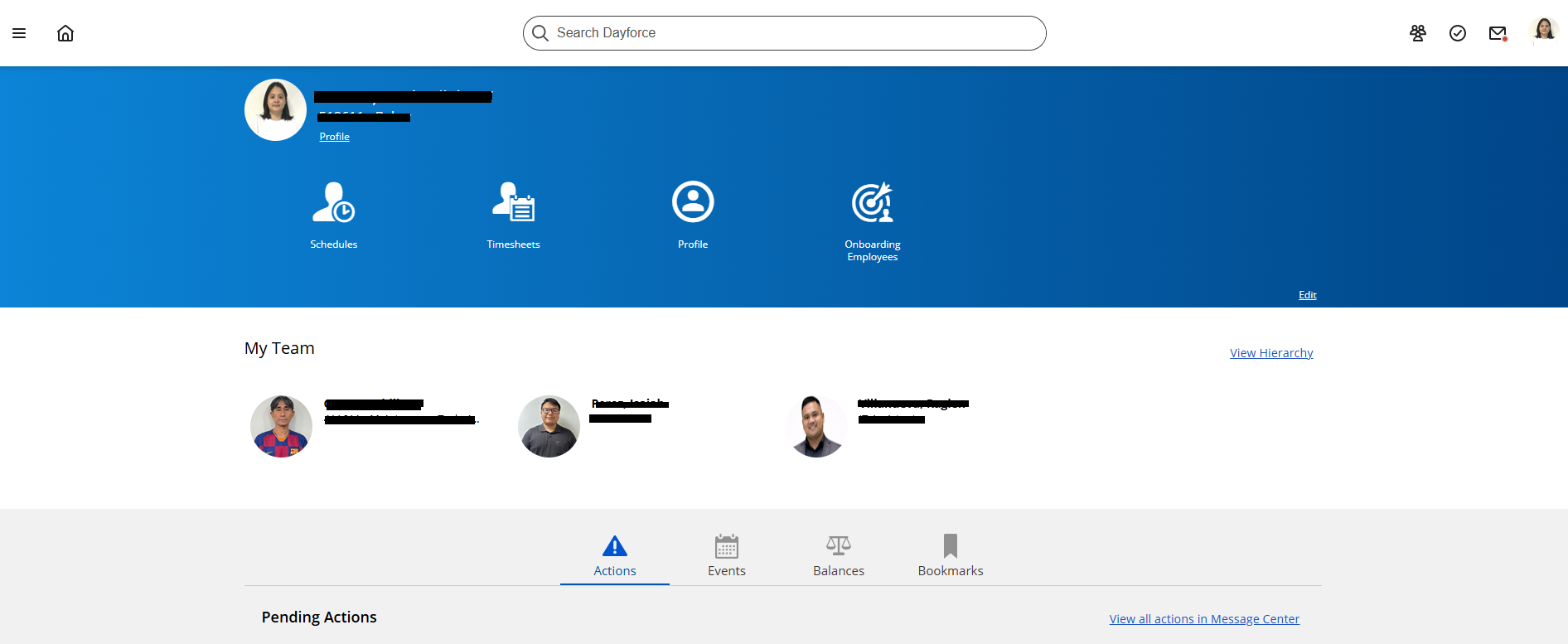
6. Home page will appear on the screen.