Time Off Request Entry
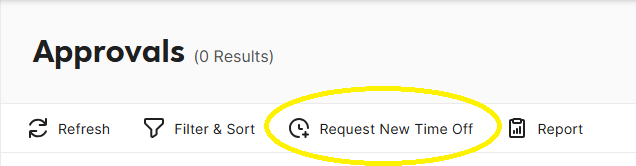
- Go to Approval.

- On the Approval toolstrip, Click "Request New Time Off."

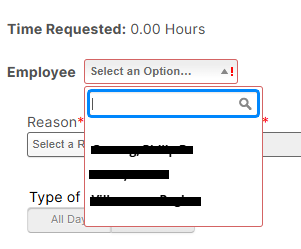
- On the employee dropdown list, click the employee's name.

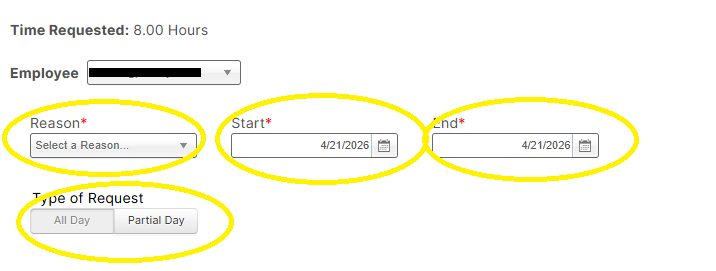
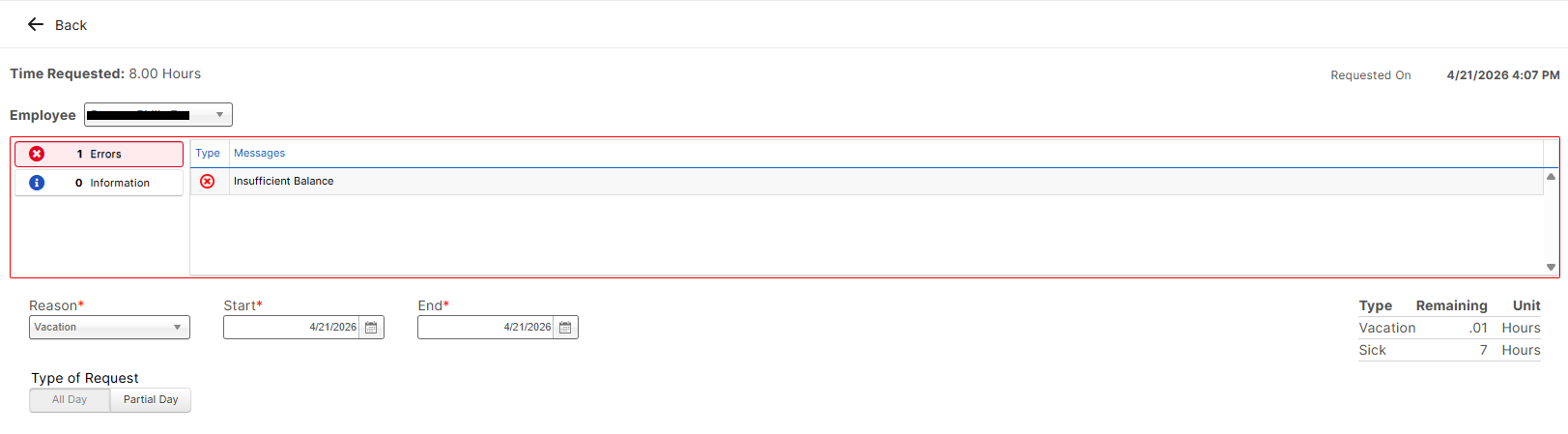
- Select Reason on the dropdonw list, input start and end date and click Type of request.

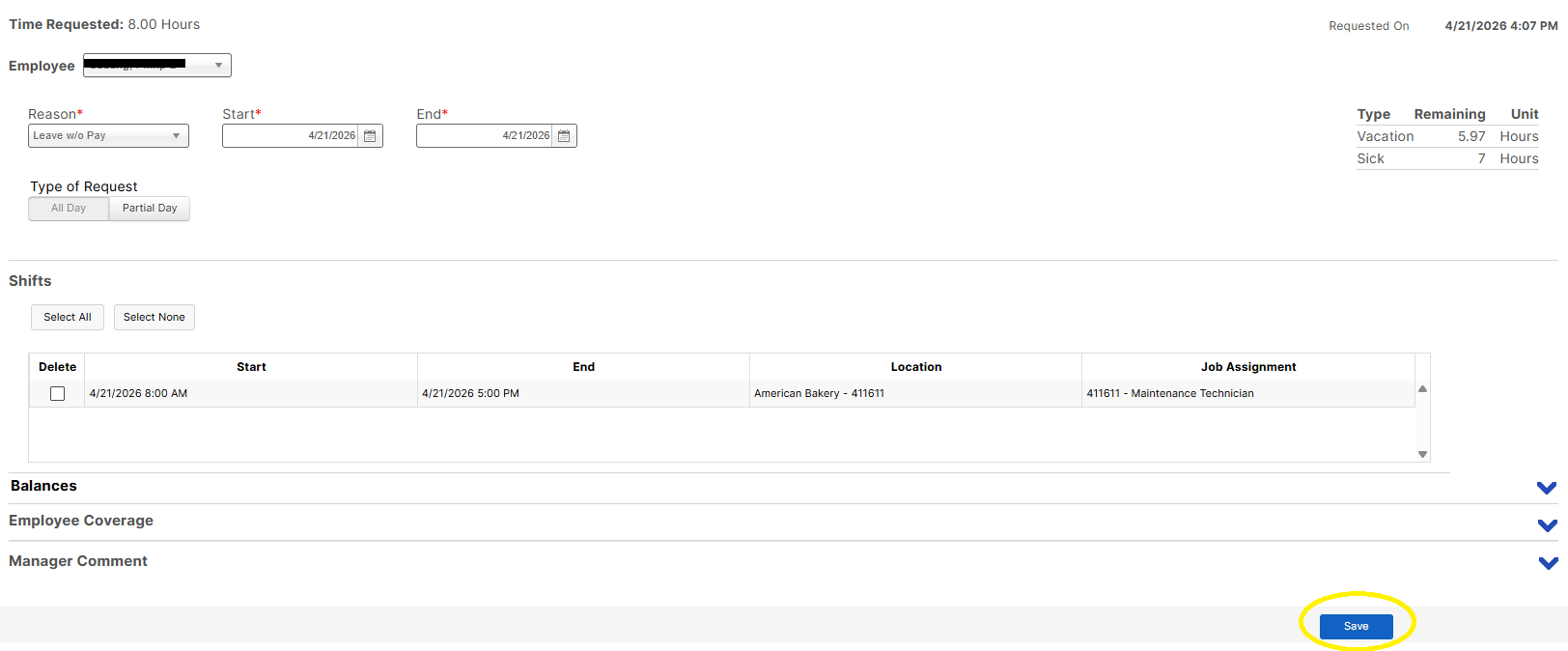
- Click "Save."

- If Leave balance is not enough, an error message will appear on the screen. Employee should have sufficient leave balance in order for the transaction to go through.